Clinic management system
An orthopedic clinic workspace, demonstrated with synthetic data, connecting appointments, clinical notes, treatment, medication, and checkout.
- Connected tasks from reception through consultation and checkout.
- Clinical notes, treatment courses, and visit charges kept in context.
- A configured clinic identity across the shared workspace.
Context
A clinic visit passes through several hands. Reception prepares the visit, the doctor records the consultation, a physiotherapist may continue treatment, and the front desk completes medication and payment tasks. Each person needs a clear next step without reconstructing the whole visit.
This workspace lives at clinic.drsuphasan.com. The separate PaO Clinic website at drsuphasan.com introduces the clinic, its services, and patient information.
Suttisak’s role
Suttisak designed the task flows and interface, modelled the clinical and operational records, and implemented the application. The project brings clinical practice and software development into the same design process.
Design story
Follow the visit, then show the next task
The workspace is organised around what a member of staff needs to do. Appointments, queue status, consultation notes, treatment, and checkout connect to the same visit. This keeps a handoff understandable while allowing reception, clinical staff, and the owner to have different working views.
Give clinical detail a readable structure
Consultation work separates the patient’s account, examination findings, and assessment. Signed notes and later amendments remain distinguishable. The design makes room for detailed orthopedic findings without turning the entire application into one long form.
Keep treatment and payment understandable
A treatment course, the right to receive a session, an installment balance, and today’s visit charge are different things. They stay separate in the workflow so that a continuing course can be understood alongside the work performed at the current visit. Medication readiness and checkout bring the operational handoff back together.
Make the clinic recognisable
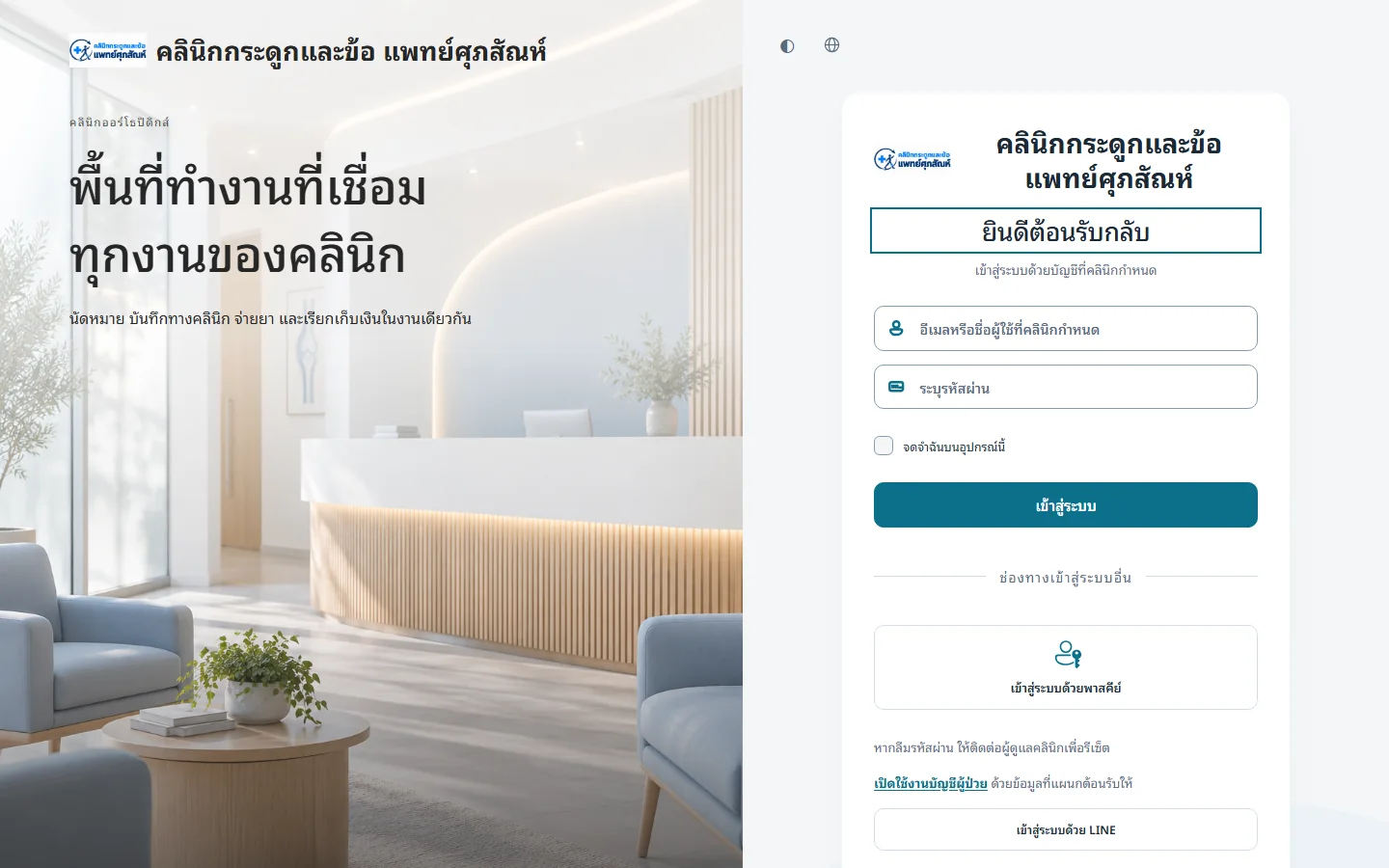
The public entrance uses the configured clinic name and logo, with a quiet reception illustration beside the sign-in controls. Account access remains explicit. Inside the system, the same identity carries through the shared workspace while issued documents retain their recorded identity.
What was built
- Registration, provider schedules, appointments, and a live queue/status view.
- Orthopedic consultation notes, signed records, and amendments.
- Physiotherapy and treatment-course workflows.
- Prescriptions, medication readiness, inventory, and checkout.
- Billing, receipts, refunds, and owner reports.
Current scope
The deployed application is a clinic-management demonstration with synthetic data. It is not presented here as evidence of real-patient use, clinical outcomes, or regulatory readiness. The image shows only the public entrance; the workflow description is based on the project’s implementation and release records.