Browser image tool
QH Image Optimizer
Convert, crop, resize, and compare pictures in your browser, then download them individually or together as a ZIP.
- Convert to PNG, JPG, WebP, BMP, or AVIF.
- Crop each picture, resize proportionally, and compare the result before downloading.
- Process batches locally without uploading pictures to a conversion service.
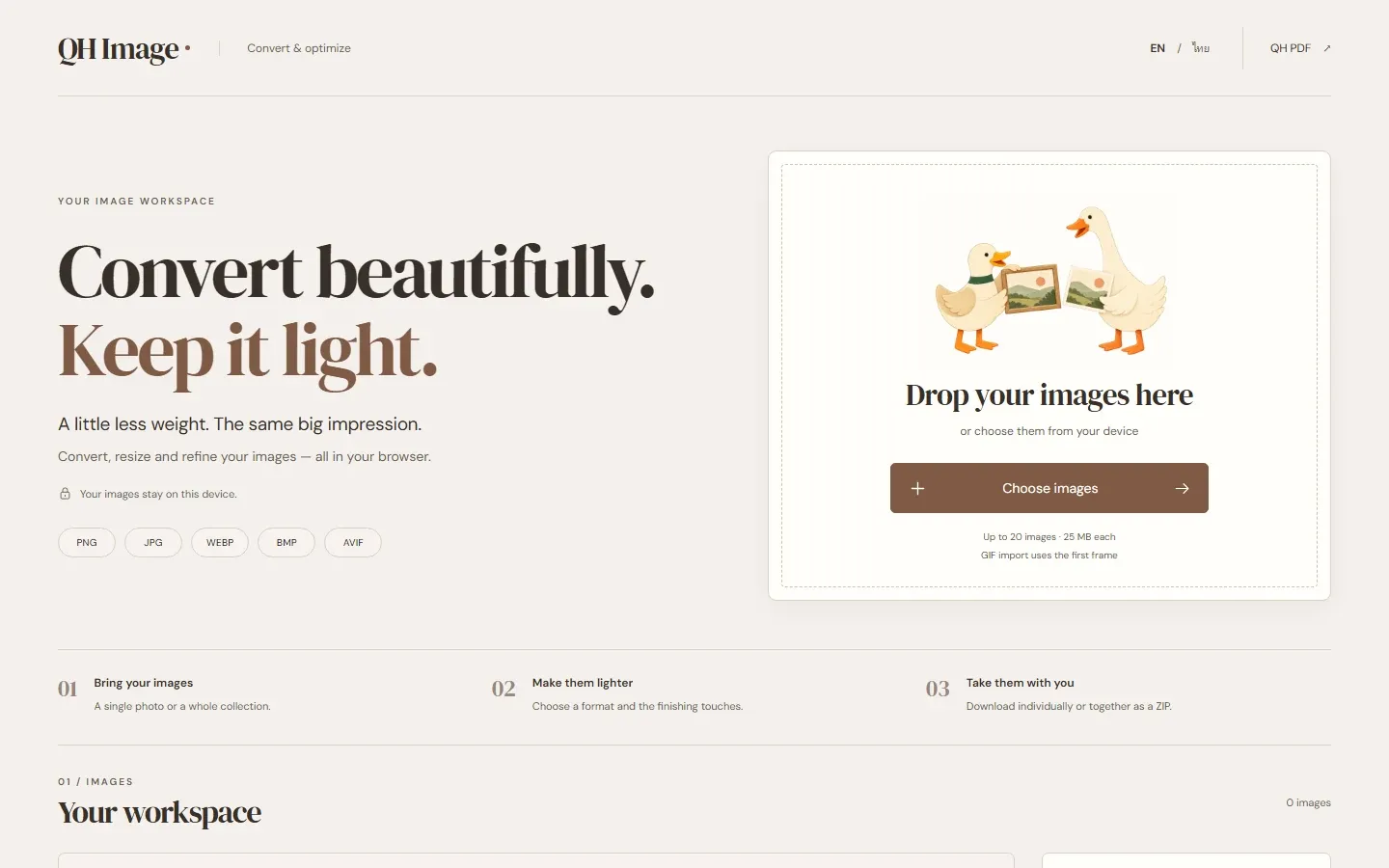
QH Image Optimizer is a browser tool for the pictures you need to share, publish, or keep. Choose an output format, crop each picture, adjust the size or quality, and compare the result with the original before downloading. The app’s interface uses the shorter name QH Image.
A little control over every picture
- Import PNG, JPEG, WebP, BMP, or GIF images, plus AVIF where your browser can decode it.
- Export PNG, JPG, WebP, BMP, or AVIF, with format-specific quality and PNG palette options.
- Resize while keeping the original proportions, without enlarging the image.
- Crop each image independently before resizing, with a preview, zoom, and exact size controls.
- Compare the original and converted image, then download one file or the whole batch as a ZIP.
- Switch between English and Thai.
Work with your pictures locally
Image conversion runs in your browser. The current app has no image upload endpoint, account system, analytics, or remote image processing. It leaves your original files unchanged and saves only your language preference locally. Exported images do not retain the original file’s metadata.
Current limits
A batch can contain up to 20 images, with a limit of 25 MiB per file and 100 MiB in total. Each image is limited to 16 million pixels and an 8,192-pixel maximum side.
Animated imports require your consent to use the first frame; the app does not preserve animation. HEIC, HEIF, TIFF, and SVG imports are not supported. File size depends on the source and output settings: a converted image can be larger than the original.