In developmentWindows
Windows utility
TidySpace
Understand what uses your storage, review it, and remove only what you choose.
- Nothing is removed until you review it.
- Separate tools for temporary files, duplicate comparison, and disk analysis.
- Clear risk and recommendation details instead of scare tactics.
Not available for download yet.
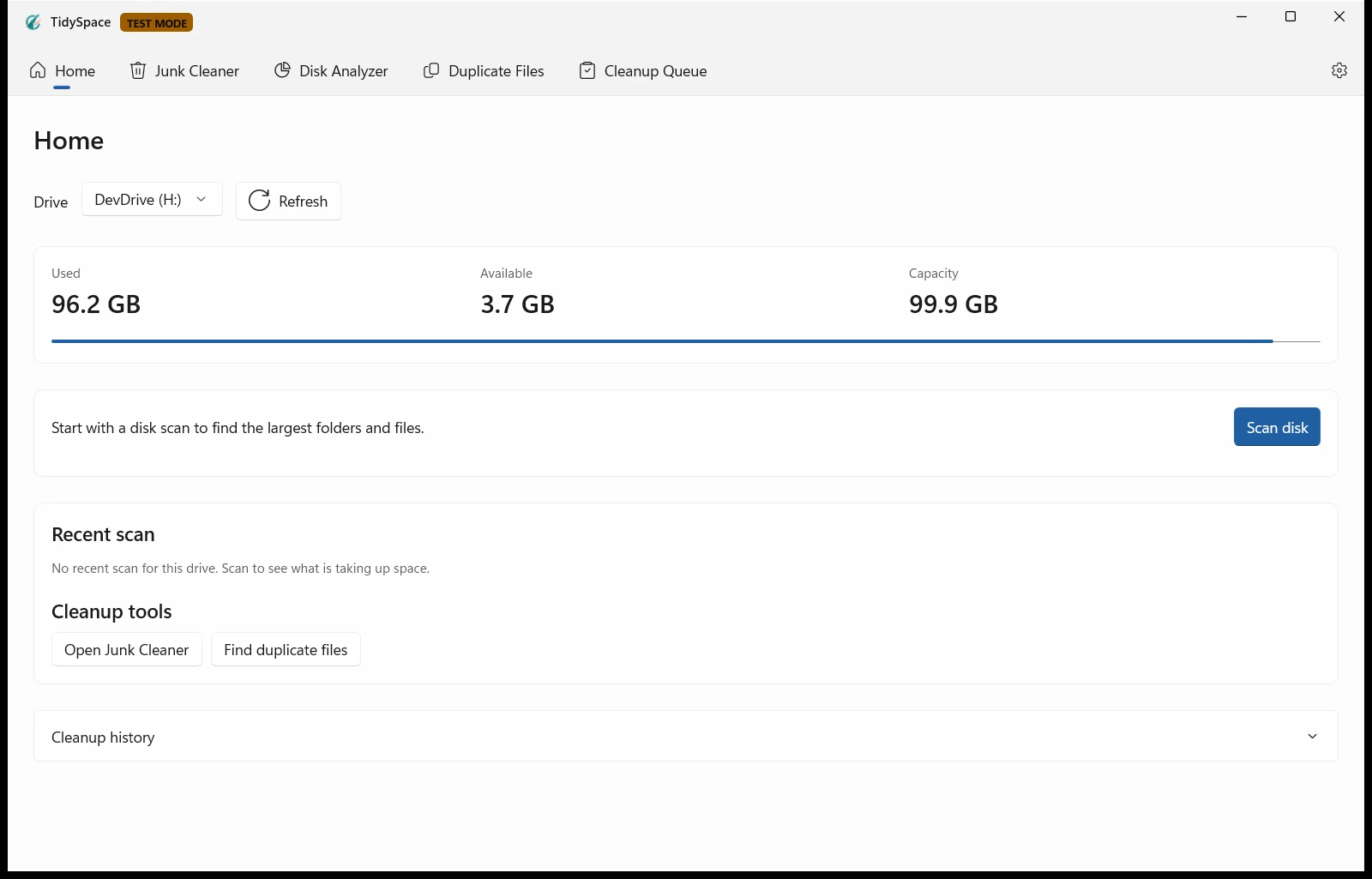
TidySpace is a Windows storage utility built around one rule: show people what is happening before asking them to delete anything.
What the current build shows
The Home workbench shows drive capacity and provides a starting point for disk scans and cleanup tools. Temporary-file cleanup, Duplicate Files, and Disk Analyzer live in the same application, while review screens keep destructive actions explicit. The current preview is captured in TEST MODE.
What we care about
- Explain what is taking space before asking the user to remove it.
- Make destructive actions explicit and reversible where possible.
- Keep technical detail available for people who want it.
- Distinguish recommendations from risk.
- Say plainly when there is nothing useful to clean.
- Never use warnings to frighten people into deleting files.