Free browser tool

Quack & Honk PDF
Combine PDFs and pictures, arrange the pages you need, and download a new PDF from your browser.
- Combine pages from PDFs, JPG, PNG, and WebP pictures.
- Arrange and crop pages, add numbering or a text watermark, and preview the result.
- Process document contents in your browser without an account.
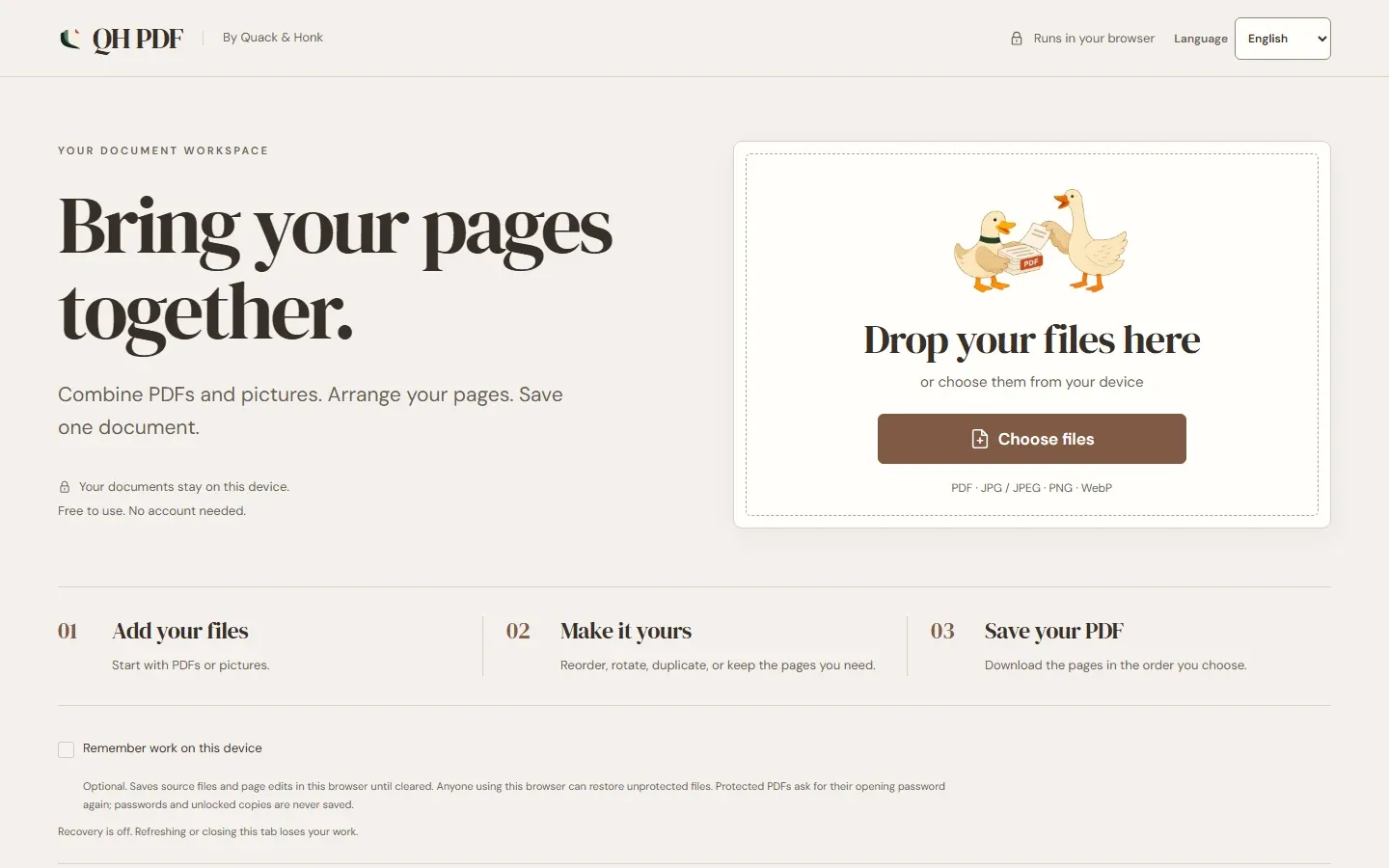
Quack & Honk PDF is a free browser tool for everyday document jobs, with QH PDF as its short name in the app. Bring several PDFs and pictures together, keep the pages you need, put them in order, and save the result as a new PDF.
Your documents stay on this device
The current app processes imported document contents in your browser. It has no document upload API, account system, analytics, or remote document storage. Optional recovery is off by default and, when enabled, saves source files and page edits in this browser until you clear them.
What the public beta can do
- Import PDF, JPEG, PNG, and WebP files.
- Reorder, rotate, duplicate, and remove pages.
- Crop pages, add page numbers or a Thai or Latin text watermark, and preview the output.
- Combine pages from several documents and pictures.
- Export all pages or just a selection, with optional compression.
- Open password-protected PDFs and optionally protect the exported PDF with a new password.
- Undo and redo page changes before saving.
- Switch between English and Thai.
Current limits
Large or complex files may be slow or exceed browser memory. OCR, Office conversion, certificate-protected documents, and full PDF text editing are not supported. Cropping hides content; it does not securely erase it. Creating a new PDF may not preserve interactive forms, signatures, bookmarks, accessibility tags, or attachments from the originals.